
Testing for quality
The number of Loki Checkout modules that we maintain grows constantly. The only way that we properly make sure that all these modules are of high quality is via testing. Our CI/CD workflows (both GitHub Actions and GitLab CI) are running constantly to make sure human error and/or AI hallucinations are spotted early.
Unit, Integration and Functional
Simple classes require PHPUnit unit tests. When the number of class dependencies rise, often an integration test makes more sense. And when a certain integration really requires real APIs, we turn these integration tests into functional tests, still using PHPUnit.
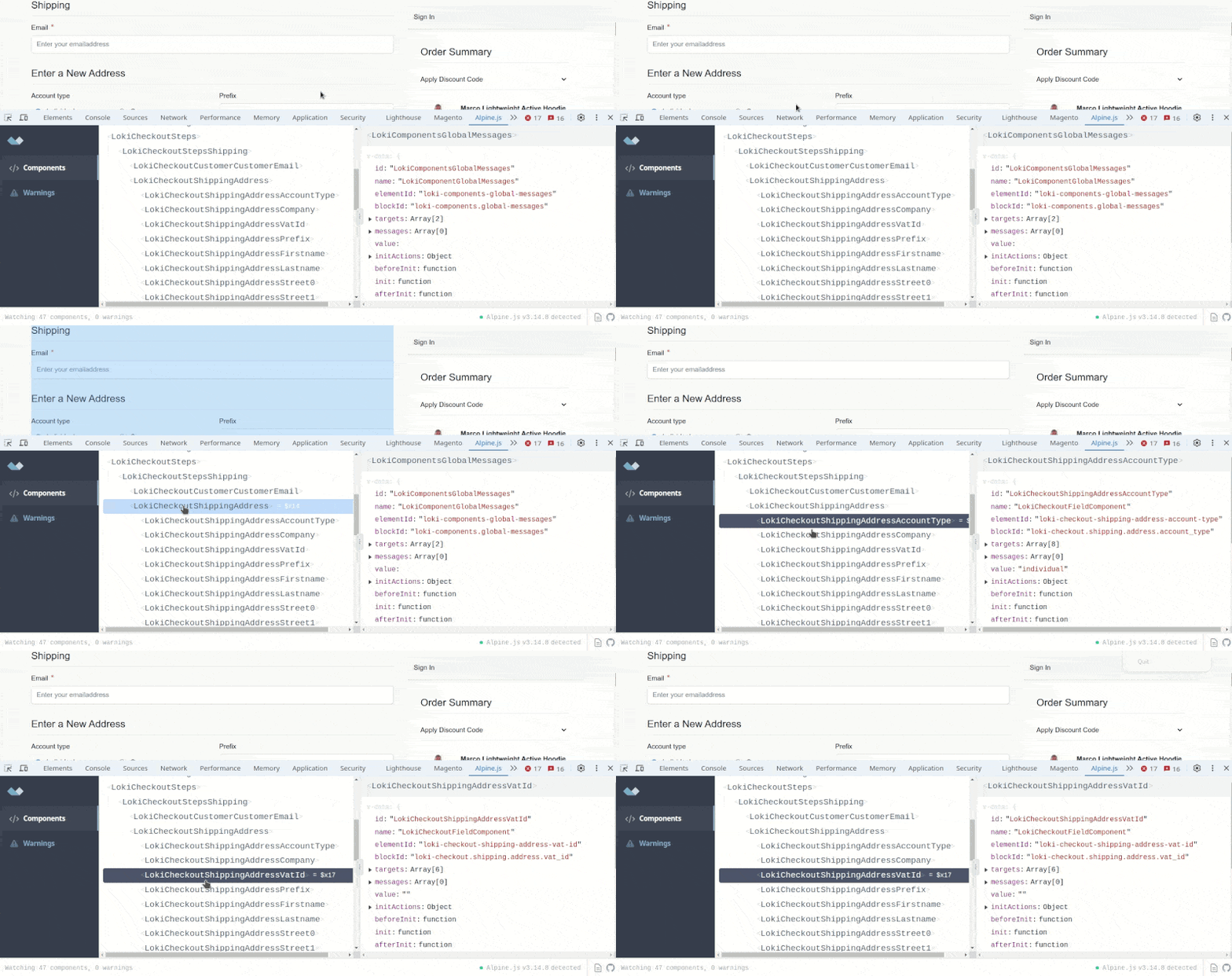
Playwright functional tests
Most payment and shipment integrations can only be properly checked by testing things within a browser. For this, we use Playwright. We don't use this for end-to-end tests, we use it for functional testing. We use Loki-specific tools to preconfigure a Magento instance with settings and modules, specific for a certain Playwright test, and then re-configure things for the next test.
Static tests
Our code needs to work under various circumstances: We test compatibility for the right PHP versions, including upcoming PHP versions that are not supported by Magento itself yet. We apply PHPCS and PHPStan rules not only to get towards minimal expectations, but we try to reach the highest level possible. Next, that level is locked within the module files, so that future testing detects regressions. The Yireo ExtensionChecker is used for tracking dependencies.