Full support for browser autofill
Nothing is more boring than filling out a form. Many customers use browser autofill because of this. And this makes supporting autofill properly a hugely important part of the checkout experience. We got you covered.
Autofill support
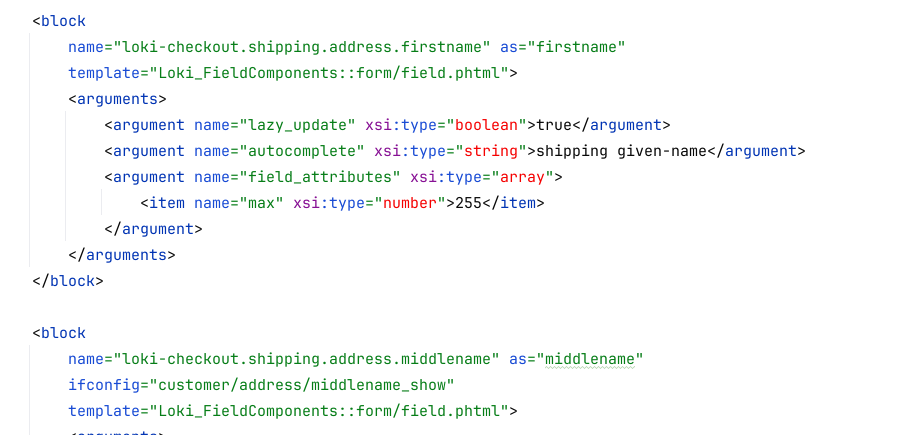
Browser autofill can be turned off, but we make sure to not do so. Instead, any input field is accompanied by the right autocomplete HTML attribute, so that the browser knows what to fill in where. In addition, we add the inputmode HTML attribute for mobile usage.
One AJAX call
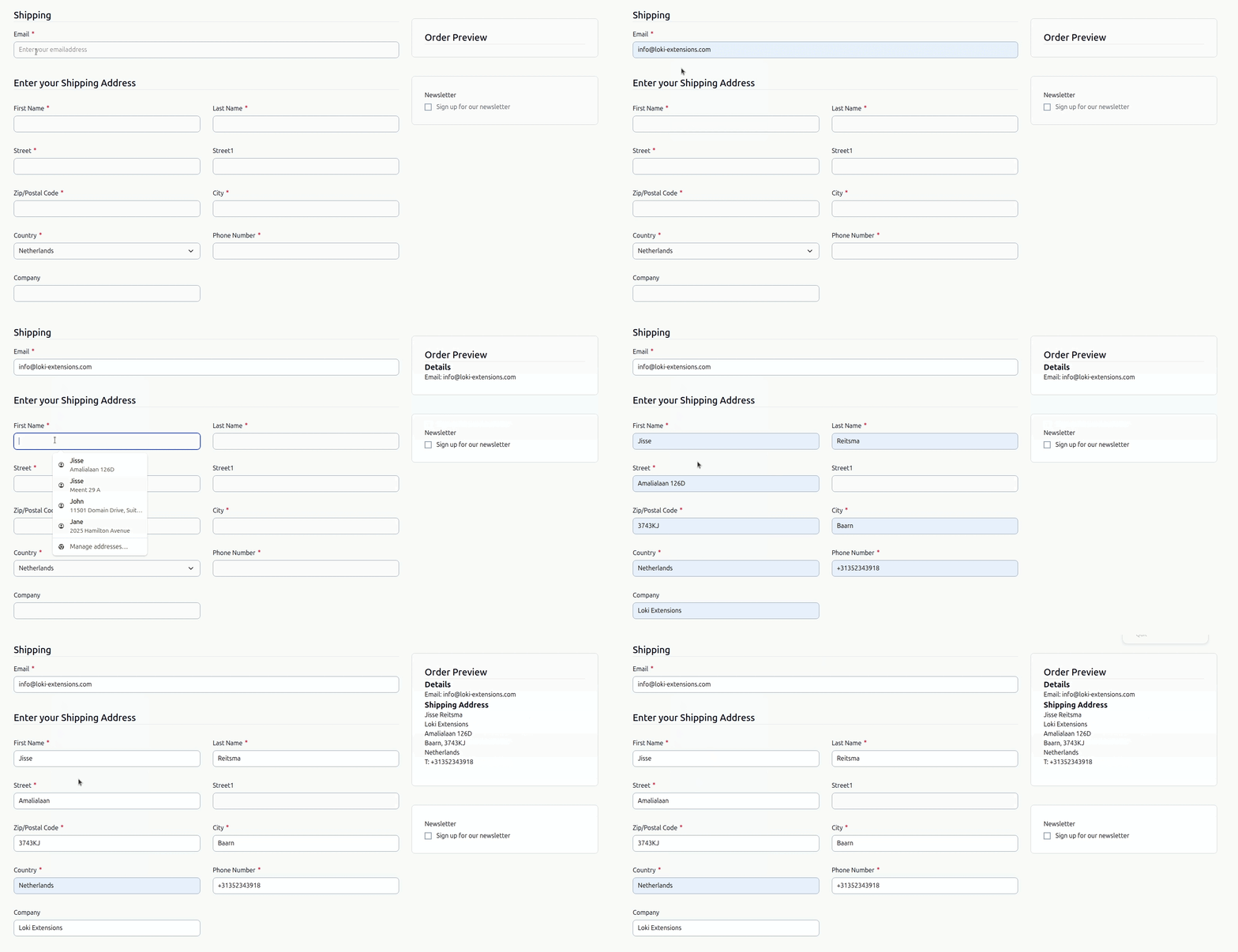
Every time a field is filled in, it triggers an AJAX call to the Magento backend to save the value to the quote. However, when multiple fields are filled in at once - like with browser autofill - this does not trigger multiple AJAX calls. Instead, the Loki Component technology guarantees that things are modified with just 1 AJAX call, making autofill support extremely performant.
Configurable via the XML layout
Each field in the checkout is a Loki Component, which equals again a single block in the XML layout. This allows developers to customize any HTML attribute (including autocomplete and inputmode) with ease. That being said, the default is already solid for 99% of all cases.