Loki Checkout versus Hyvä Checkout
Hyvä Checkout was the first fully native checkout for Hyvä Themes, with no Luma fallback and a strong focus on performance. Loki Checkout was built to challenge that standard by adding the features many agencies & developers felt Hyvä Checkout was missing.
| Hyva Checkout | Loki Checkout | |
|---|---|---|
| JavaScript stack | Loads both Alpine.js & Magewire | Only Alpine.js, so faster pageload |
| AJAX calls | Multiple async HTTP requests | Faster single sync queue |
| VAT ID | Requires 3rd party module | Included |
| Developer Experience | Good | Excellent |
| Pricing | 1000 euro | 485 or 895 euro |
Perhaps the best Hyvä checkout is Loki?
Why build Loki Checkout when Hyvä Checkout already existed?
Because we saw room for improvement. Loki Checkout was built to bring competition, solve more complex Magento checkout scenarios, and offer a more flexible checkout experience than Hyvä Checkout.
- Faster performance, especially when making AJAX calls;
- Simpler architecture, with easy-to-modify settings;
- Prepared for complex scenarios (with working modules);
Higher performance
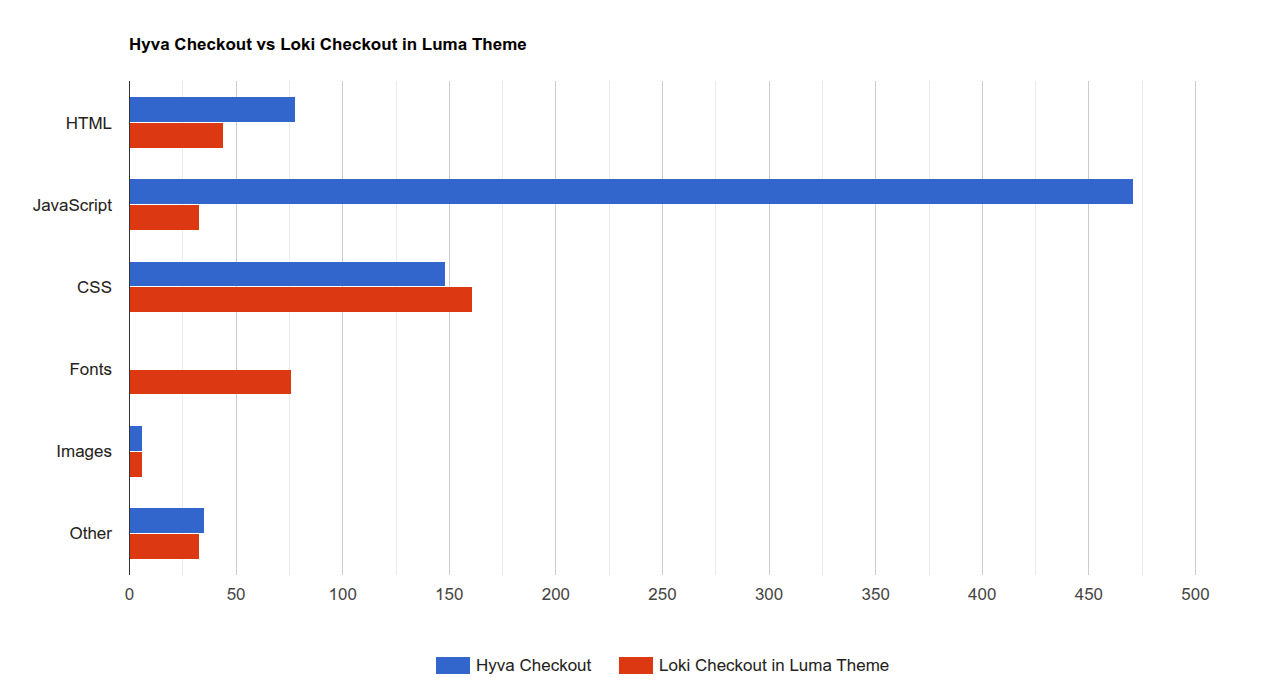
Hyvä Checkout uses Magewire in addition to Alpine.js. This adds an additional JavaScript library of approximately 160 KB alongside the roughly 46 KB Alpine.js library. Regardless of the overall optimization strategy, this contributes to the amount of JavaScript loaded on a checkout page, where performance is particularly important. In addition, Magewire v1 can require multiple AJAX requests to update the page following a component change.
Loki Checkout uses Alpine.js for client-side reactivity and introduces its own Loki Components architecture to handle server-side interactions. This technology was developed specifically to reduce frontend overhead and streamline component updates.
As a result, Loki Checkout delivers measurably faster initial page loads and AJAX interactions compared to Hyvä Checkout. Performance is an important aspect of Loki Checkout, although it is only one part of the broader architectural differences between the two solutions.
An unbeatable price for more value
Loki Checkout costs less and includes more out of the box. At €485, it includes features like VAT validation that require paid add-ons with Hyvä Checkout.
A simpler architecture keeps development and support costs low, allowing us to offer a lower price while continuing to invest in new integrations and making Loki Checkout accessible in emerging markets like Asia.
Granular components
Hyvä Checkout uses large Magewire components and a Forms API, making checkout customization more abstract and difficult.
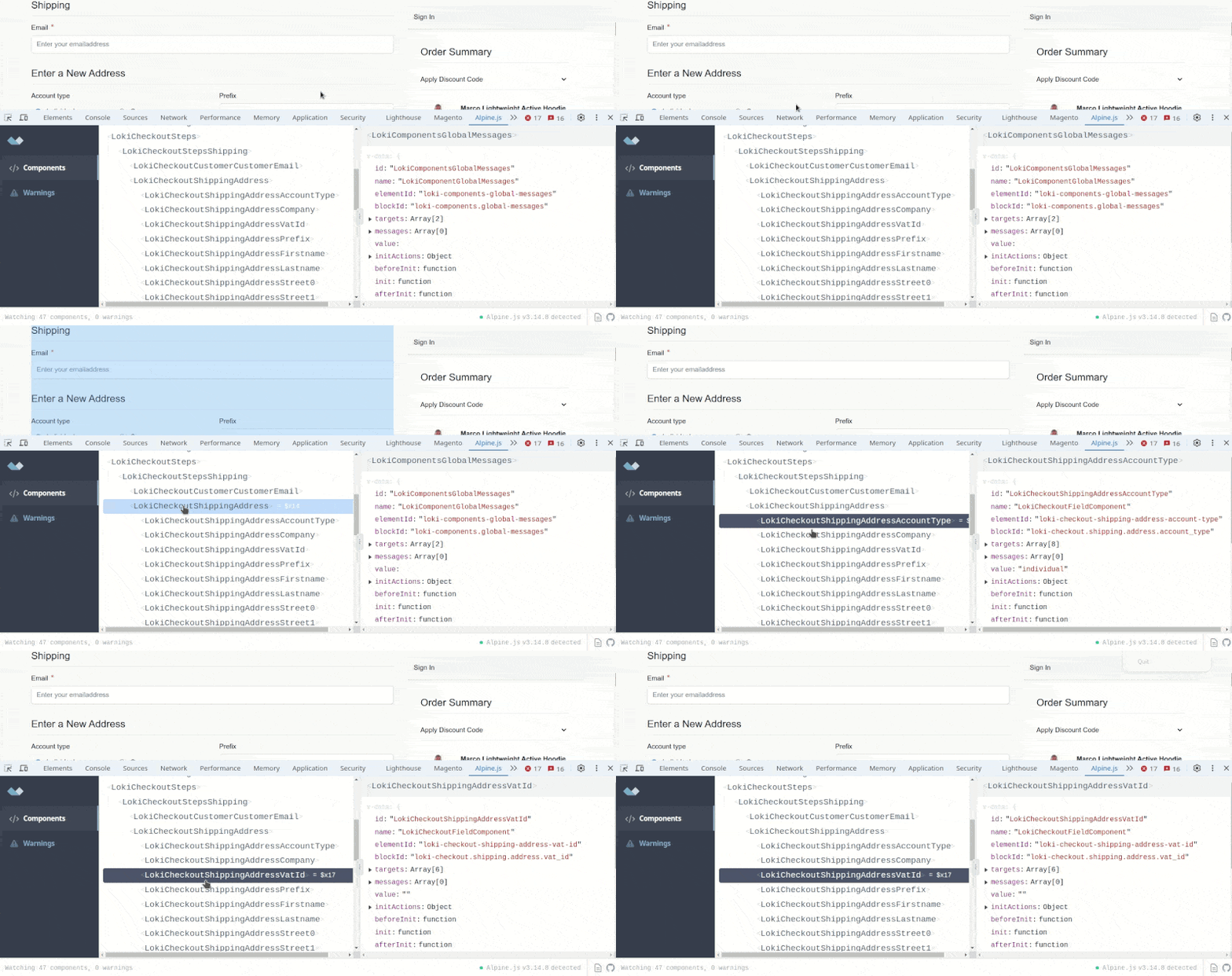
Loki Checkout treats every field as an individual component, so you can add, move, or extend fields using familiar Magento XML layout. Updates only refresh affected components, keeping the rest of the checkout responsive.
The autocompletion story
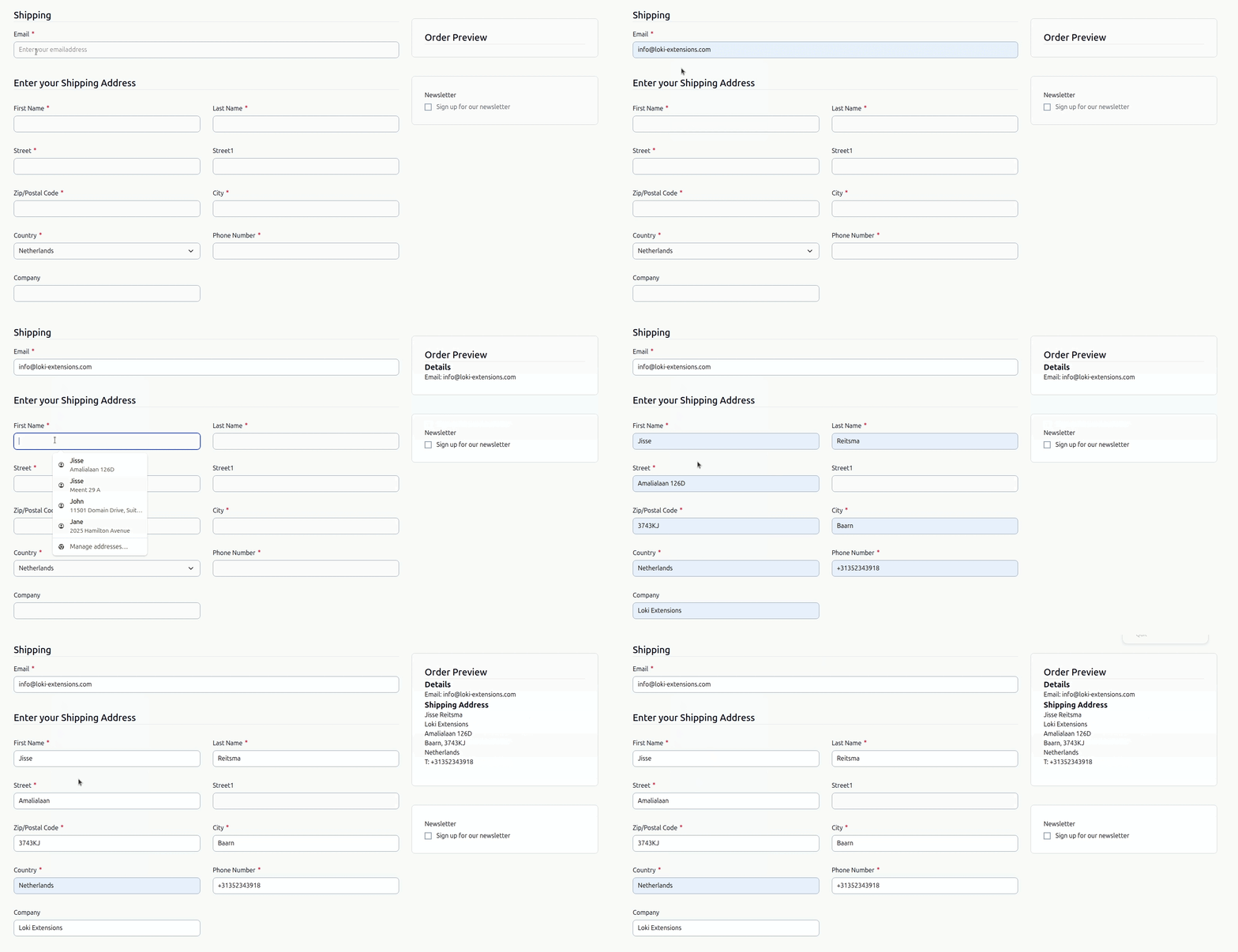
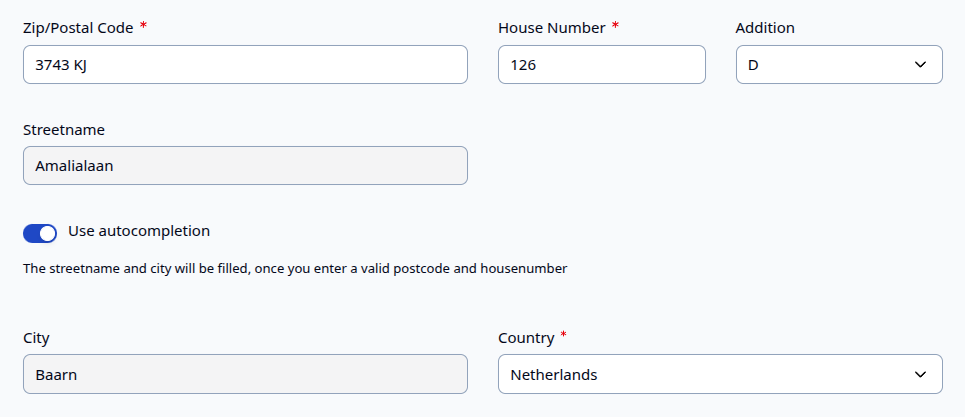
Address autocompletion is one of the hardest checkout features to implement well. It requires updating multiple fields without extra AJAX requests, broken validation, or overwriting user input. Many users have complained over 5 years on issues with the Hyvä Checkout implementation. In our opinion, this is directly to be blamed on the underlying architecture.
Loki Checkout was designed with this challenge in mind from day one, resulting in a more reliable and responsive implementation built on an architecture that supports complex checkout interactions.
First party integrations
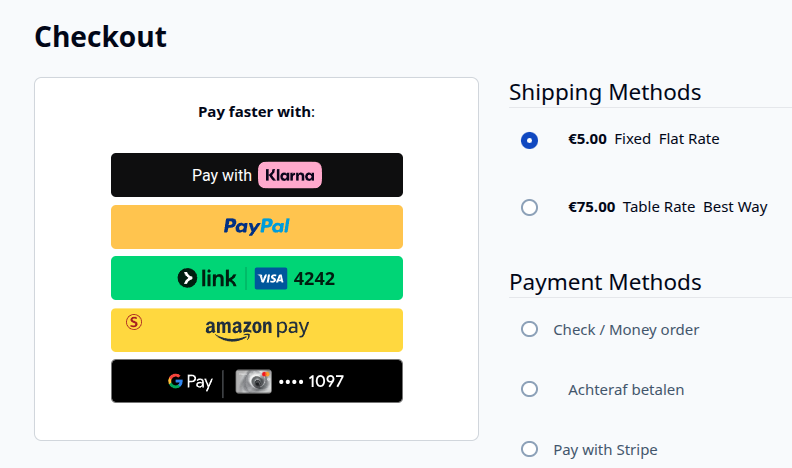
Loki Checkout includes essential payment, shipping, and checkout integrations from the start—not as add-ons later. Building these integrations helped us solve complex checkout scenarios early, creating flexible solutions that developers can reuse in their own Magento projects.
We actively test for numerous scenarios and code quality too. Instead of depending on multiple third parties, where there is the danger of a "blame-circle", with Loki, you can trust one vendor fully.
Stop overriding templates
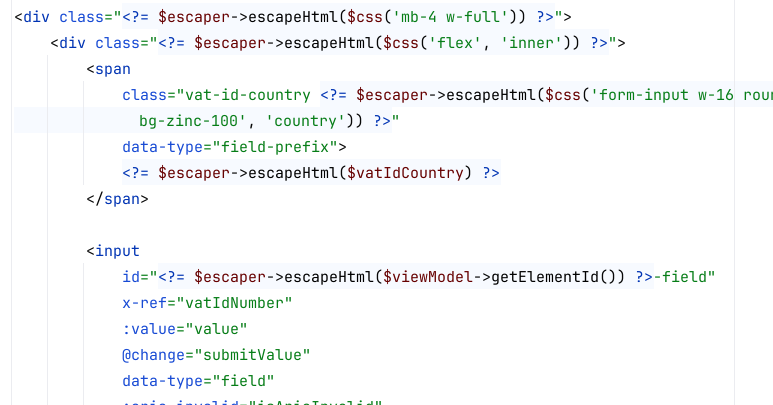
Hyvä Themes introduced Tailwind CSS to Magento, and Hyvä Checkout naturally follows the same approach. However, when Tailwind CSS classes are defined directly in PHTML templates, adjusting styling can require agencies to create and maintain template overrides.
Loki Checkout introduces a $css() utility designed to provide more flexibility. Tailwind CSS classes can be extended or overridden through XML layout or PHP-based CSS parsers, allowing styling changes without necessarily overriding the underlying PHTML template.
Choose your checkout wisely
Choose a checkout based on features, performance, and project fit—not partnerships. If you - as an agency or a developer - stop making comparisons, then you are rolling out legacy for every new project. And with the current world we live in, change is everywhere. You must re-evaluate.
Compare the details: loading times, field updates, validation, and the customer experience during checkout. That's where the biggest differences between Loki Checkout and Hyvä Checkout become clear.