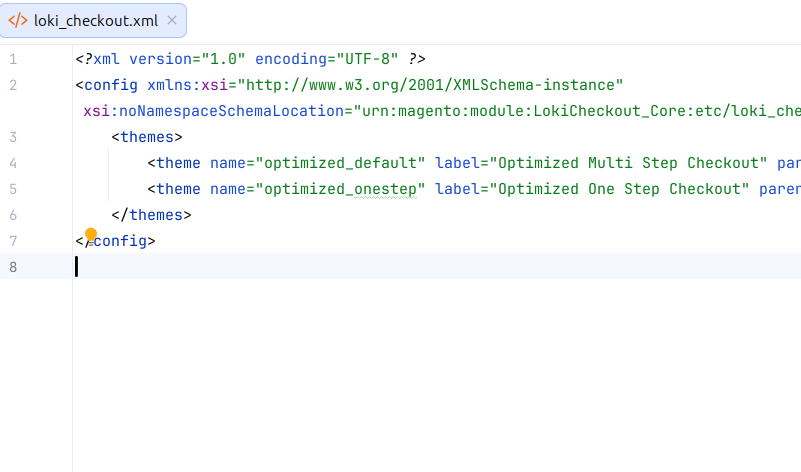
Flexible variants for your checkout
Multi Step Checkout (default)
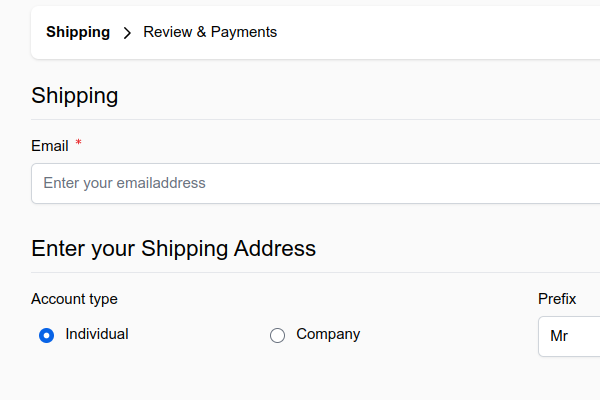
The default multi-step variant allows for navigating in between steps: Shipping & billing by default, but additional modules could add additional steps as well.
The Multi Step variant is built into the LokiCheckout core module.
One Step Checkout
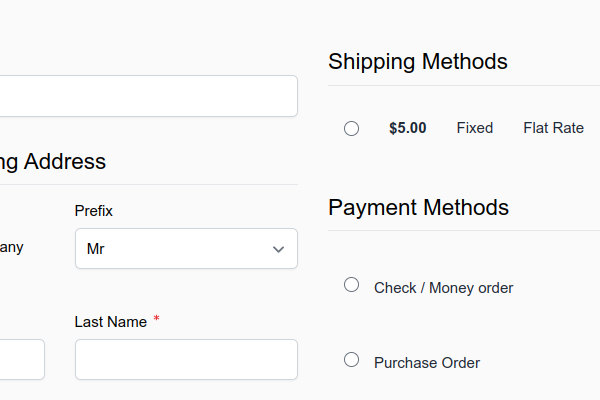
The one-step variant brings all available steps into one single overview: The shipping address & carriers on the left, the payment options on the right, a summary in the sidebar. This gives a consumer a total view on what is needed to complete the checkout. If you need more columns, you can simply add them through XML layout logic.
The One Step variant is built into the LokiCheckout core module.
Billing First Checkout
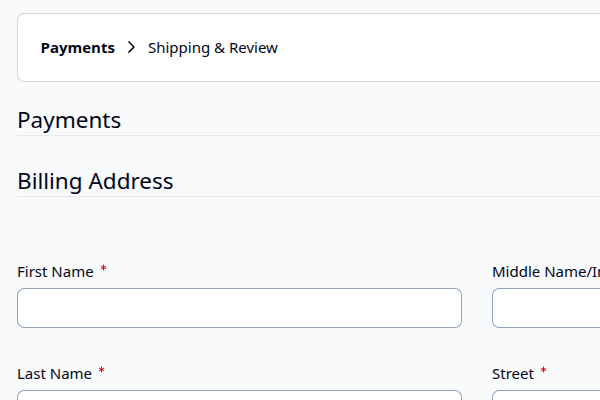
Some edge-case scenarios require the billing address & payment methods to go first. The Billing First variant allows to do this. As the name suggests, it puts the billing address and the payment methods in the first step, the shipping details in the second. Note that the docs mention caveats with specific payment providers that assume their payment method is the last final thing to do in the checkout.
The Billing First variant is available as a Premium package under either the Professional or the Enterprise plan.
Custom Variants
It is perfectly possible to create - as a developer - your own skin: Either by creating it from scratch (while still having the opportunity to re-use steps from other variants) or by extending another variant (using parent). The latter is also interesting when it comes to A/B testing.